Meet Gem, your AI stylist
A second opinion.
That gets your style.
Tell Gem what you're dressing for. Get ideas shaped around your taste and the clothes in your wardrobe.
Your AI stylist and virtual dressing room.

Free to download. Available on iOS and Android.
Meet Gem, your AI stylist
Tell Gem what you're dressing for. Get ideas shaped around your taste and the clothes in your wardrobe.
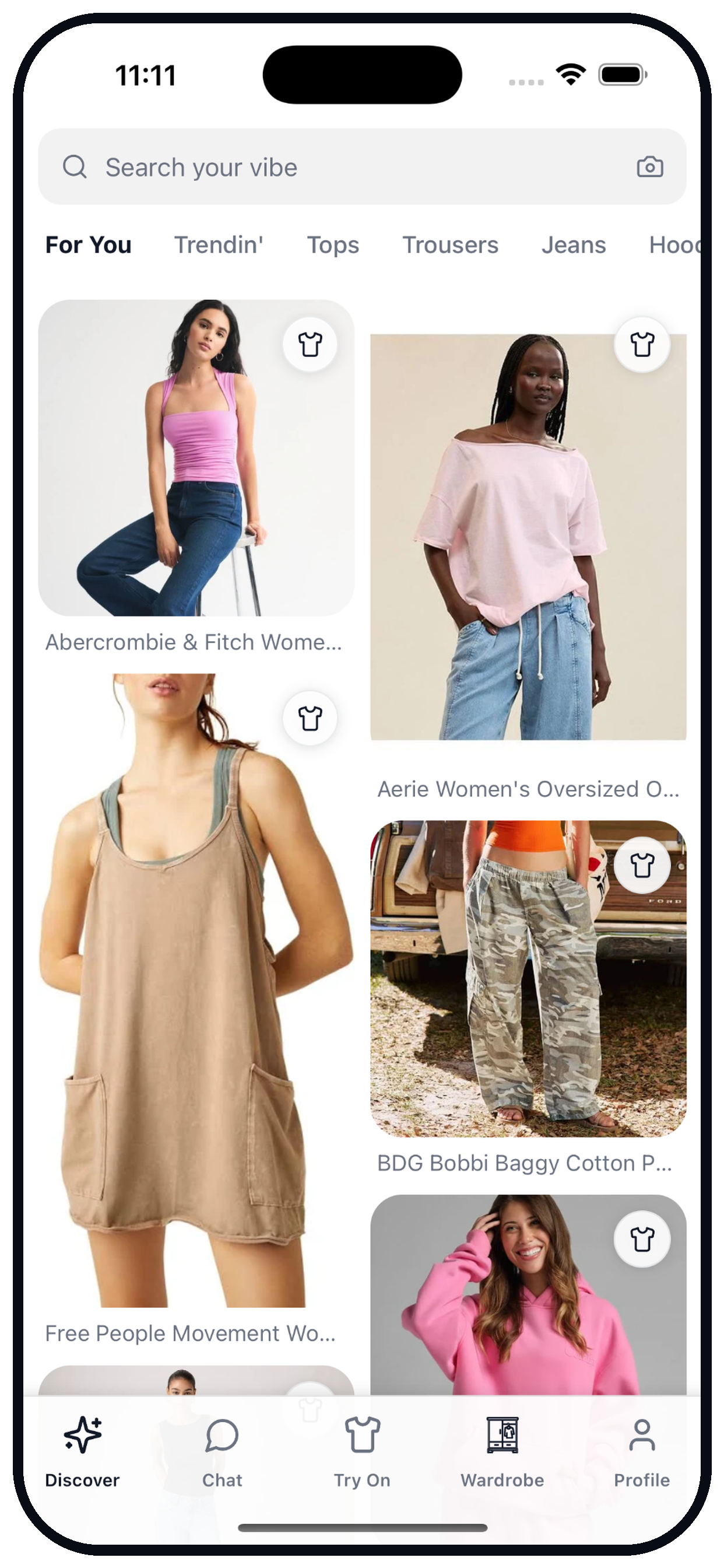
Find your next favourite
Explore clothes from your favourite brands and find pieces that feel like your style.
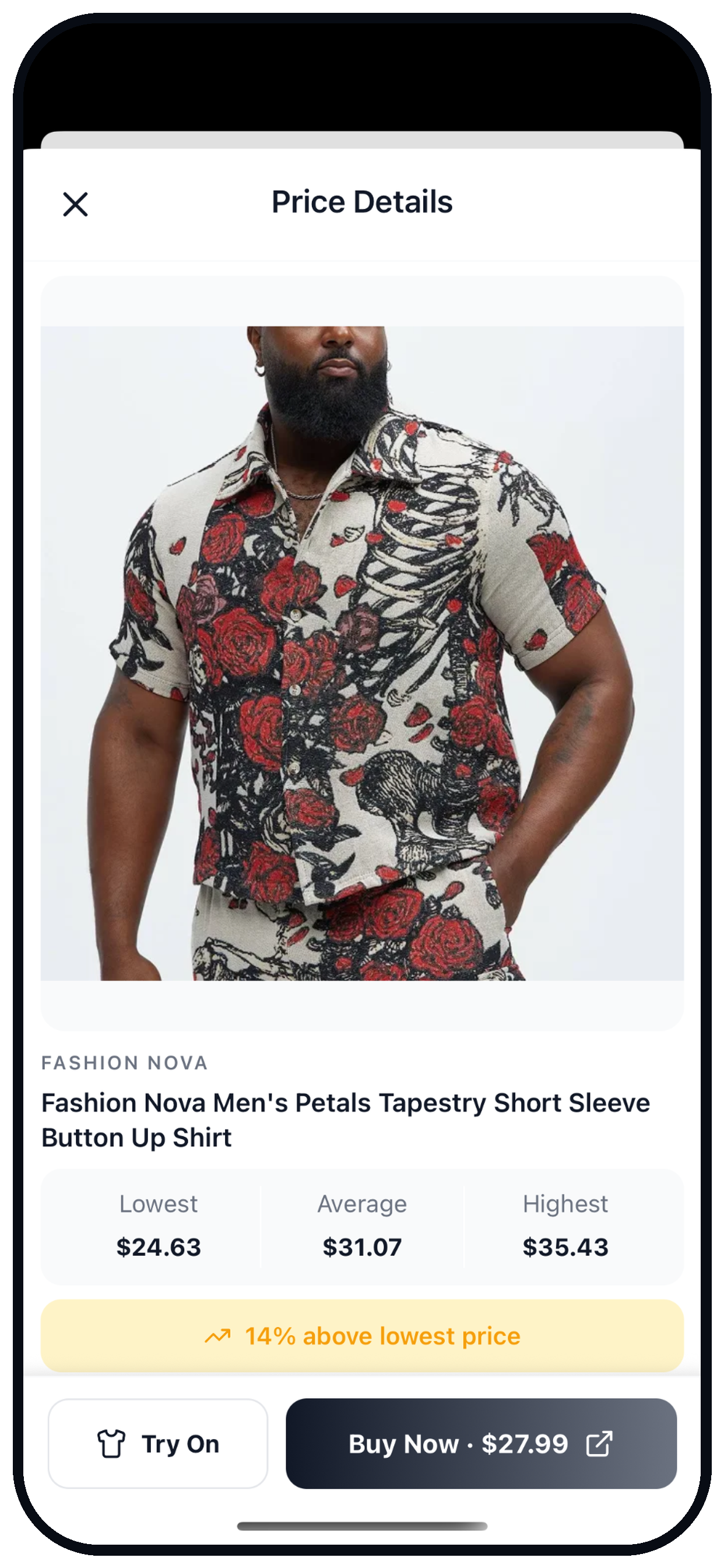
Make a more informed choice
Compare prices across stores before you decide where to buy.
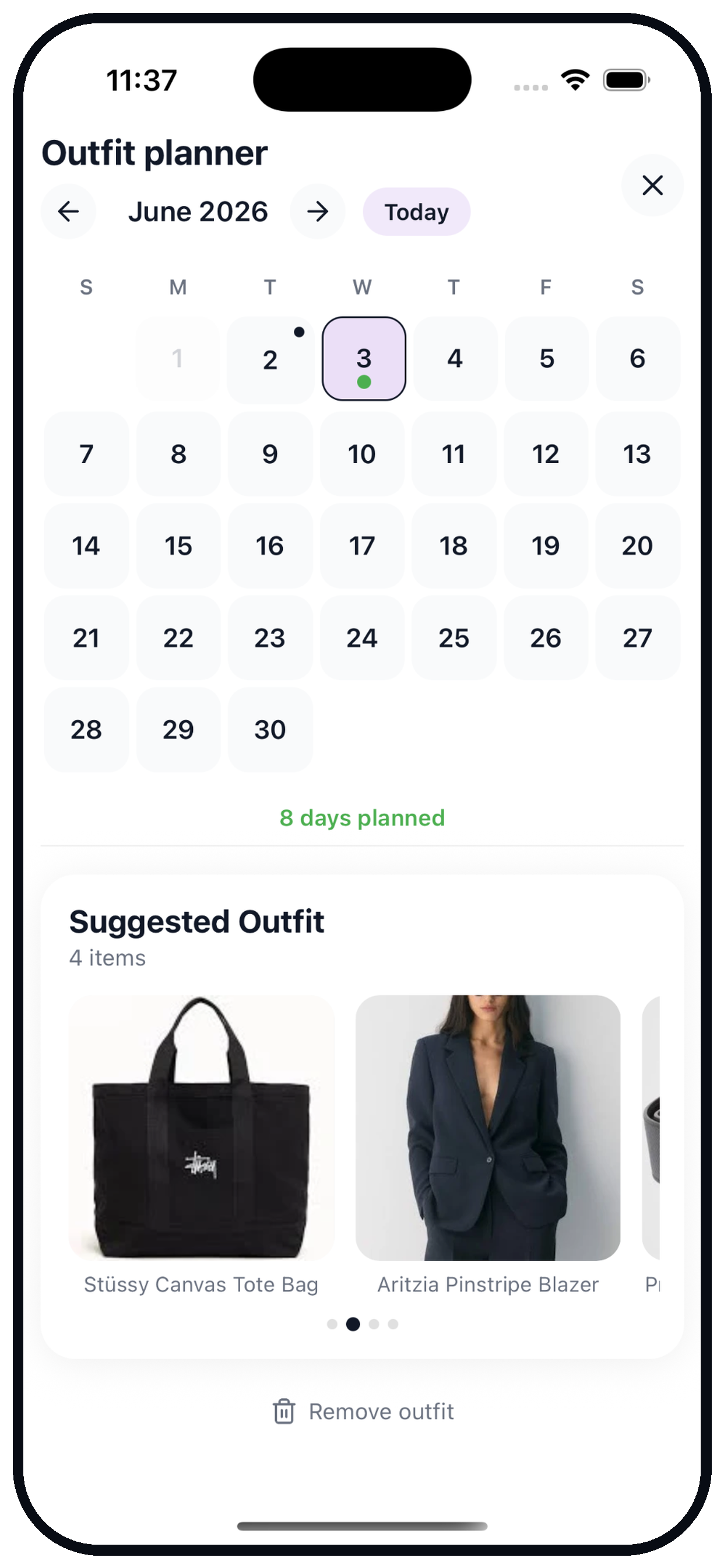
Your week, already styled
Save your favourite looks and plan what to wear before the morning rush.
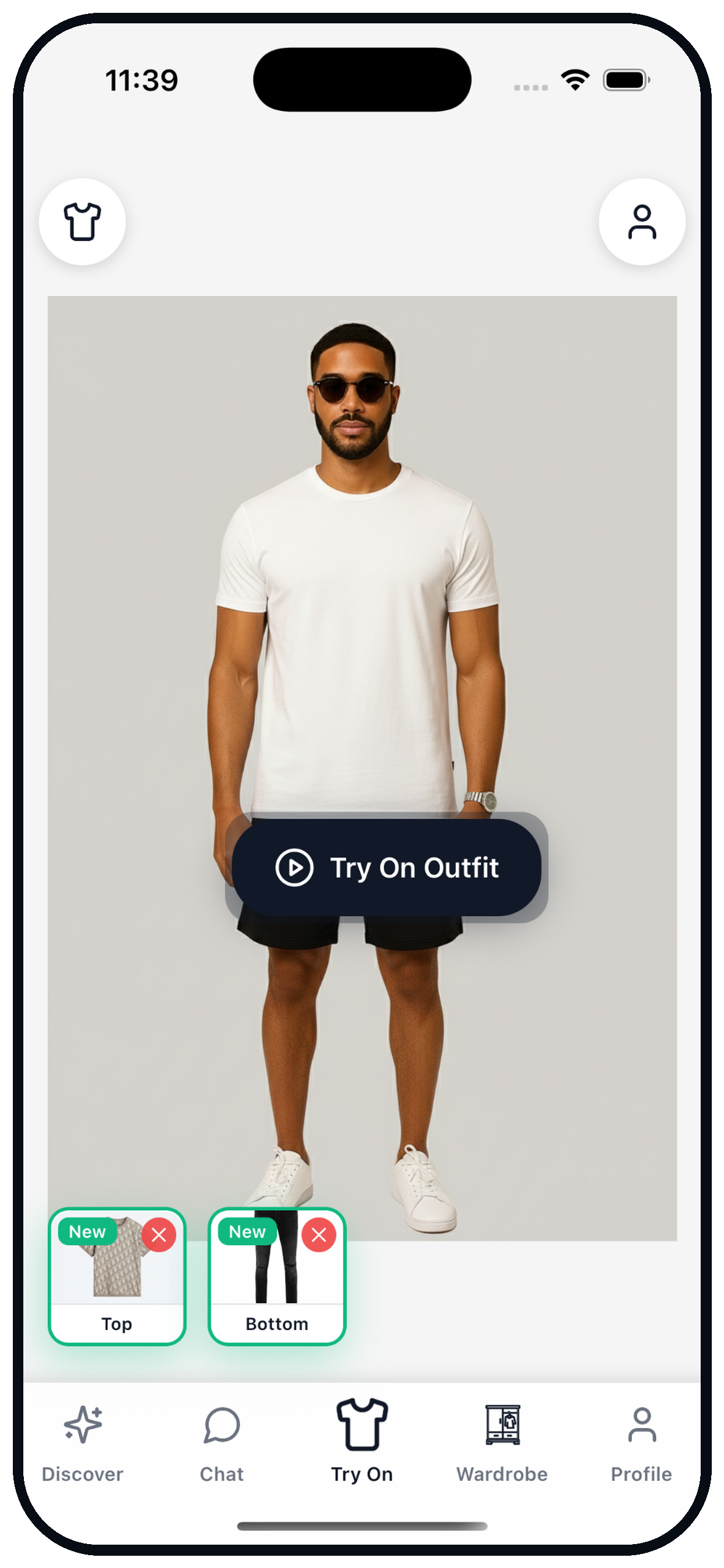
Start with a clear photo.
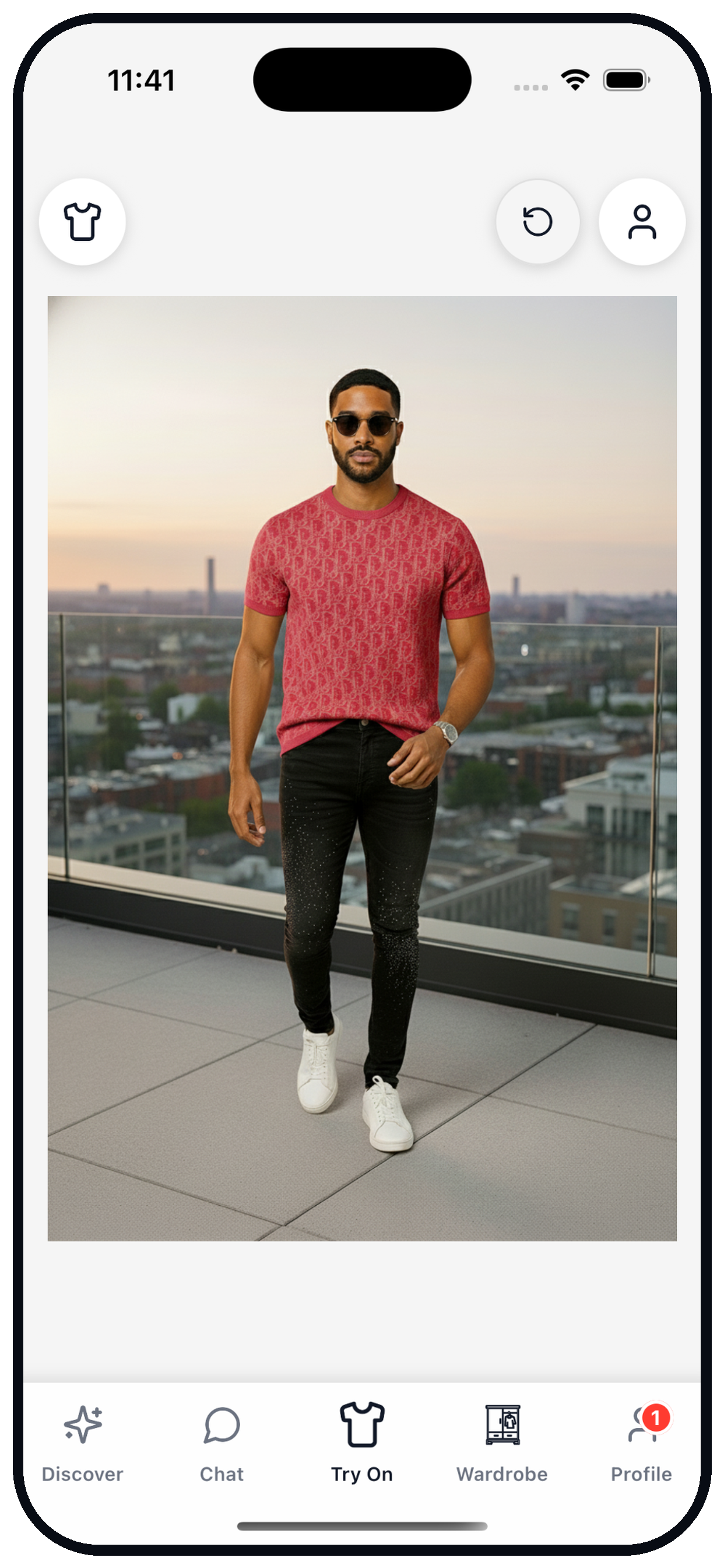
See a new combination.
Keep it for the right moment.
Your wardrobe. Your plans.
Whatever's on your calendar,
start with a look that feels like you.
Yes. Glook is free to download and includes free try-ons to get you started. A Pro subscription unlocks more try-ons, video generation, and heavier styling use.
You create a personal avatar, pick any piece of clothing you discover in the app, and Glook creates an AI preview of the outfit on your avatar. It's a way to explore a look, rather than a guarantee of sizing or fit.
For the most personal results, you create your avatar from a clear, well-lit photo of yourself. You stay in control of your photos and can remove them whenever you like.
Yes. You can delete your account and associated data directly from the app's profile settings, or email support@glook.store and we'll handle it for you. See our privacy policy for details.
Yes. Glook is live on both iOS and Android. Download Glook from Google Play.
Email support@glook.store or use the contact page. We aim to reply within 1–2 business days.
Yes. We work with brands and creators on discovery and try-on placements. Visit our partner page to get in touch.
Download Glook, create your avatar, and try on your first look in minutes.

On your computer? Scan with your iPhone camera to download.
Your photos stay in your control. Delete your account and data anytime.
Have feedback or an idea? Tell the team ›